



Downloading your BBMP E-Khata online is a convenient and essential process for property owners in Bangalore. With the enhanced E-Aasthi portal and integrated services, accessing your digital property records has become simpler and more secure. This comprehensive guide covers the latest procedures, required details, and important considerations for a hassle-free E-Khata download.
Understanding E-Khata Download
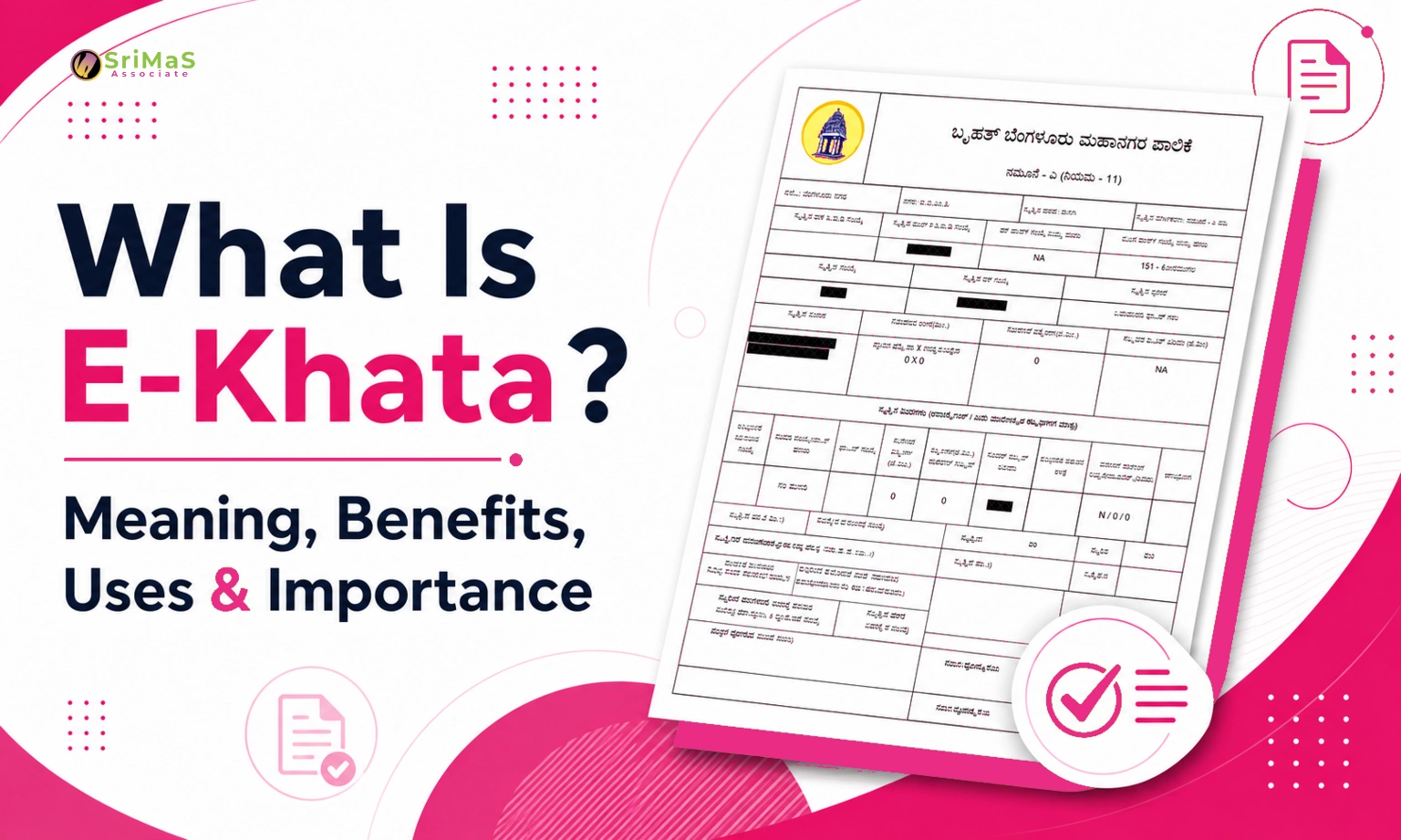
E-Khata is the digital version of your property ownership record. Downloading it online allows you to access and verify your property details, pay taxes, and use it for various legal and financial transactions without the need for physical documents.
Why You Need to Download e-Khata Online?
Downloading your e-Khata online is useful and important for several reasons:
- It acts as legal proof of property ownership.
- You need it for property tax payment.
- It is essential when applying for home loans or government approvals.
- You must submit it when selling or transferring your property.
- It helps avoid paperwork and frequent visits to government offices.
- Online access makes it easy to verify and store safely.
With services now available digitally, you can easily download e-Khata sitting at home. Whether it’s for BBMP e Khata download or through the E-Aasthi portal, the process is convenient if followed step by step.
Required Details for E-Khata Download
- Property ID / Khata Number: This is the unique identification number for your property.
- Owner’s Name: As registered in the BBMP records.
- Registered Mobile Number: For OTP verification (if required).
- Captcha/Security Code: For verification purposes.
Step-by-Step Guide to e-Khata Online Download

Here is how to obtain your BBMP e-Khata certificate if your property is in the BBMP area:
Step 1: Visit the BBMP Official Website
Visit the official website of the BBMP by launching your browser and typing bbmp.gov. https://bbmp.gov.in. Once you’re on the homepage, click on the link for “Online Services or “Citizen Services.
Step 2: Select the ‘Khata Services’ or ‘e-Khata Certificate’ option.
From the online services options, select the link for Khata-related services. You’ll be directed to the area where you can either submit a fresh Khata application or download your authorised e-Khata.
Step 3: Enter Property Details
You must provide your Property Identification Number (PID). You may also need to provide your Application Number or SAS Number (Self-Assessment Scheme). You should also provide the mobile number you used when registering your property or submitting your Khata application.
Step 4: Verify with OTP
Once you submit the relevant information, you’ll receive an OTP on the phone number used during registration. Enter the OTP on the website to confirm your details and continue the process.
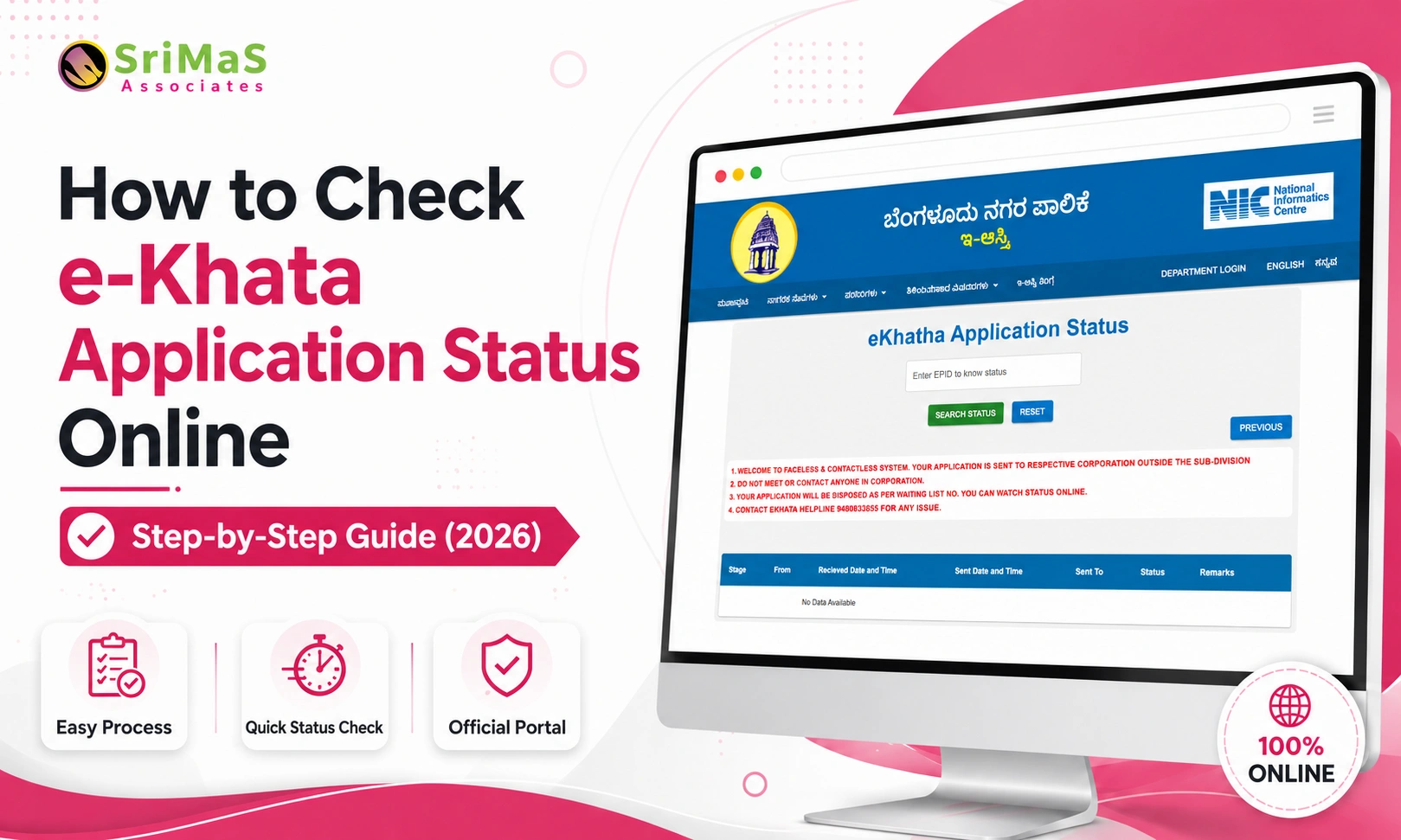
Step 5: Check Application Status
When the OTP verification process is done, you’ll see the status of your e-Khata application on the portal. After approval, the status will indicate that the e-Khata certificate is generated or has been issued, and you can now download it.
Step 6: Download e-Khata Certificate
After the e-Khata is generated, you can download it as a PDF by clicking the link provided on the website. You can keep it for future use or print a hard copy whenever you require. You’ve finished downloading your BBMP e-khata.
How to Download e Khata Online from E-Aasthi Portal (For Rural Properties)
For properties located in rural areas or governed by Gram Panchayats, you can use the E-Aasthi portal for the e-Khata online download process. Follow these steps:
Step 1: Visit the E-Aasthi Portal: Go to the official website: https://eaasthi.karnataka.gov.in. This portal provides services for rural property documents, including e-Khata download.
Step 2: Click on ‘Khata Certificate/Extract’: From the homepage or under the “Citizen Services tab, select the option to search or download the Khata Certificate or Extract.
Step 3: Select Your Location: Choose your District, Taluk, and Gram Panchayat where the property is located. This will allow the portal to fetch records relevant to your area.
Step 4: Enter Property Details: You can search for your e-Khata using your Khata Number, Survey Number, or Owner’s Name. Ensure the details match what’s recorded in the Panchayat’s database.
Step 5: Validate with OTP: Enter your registered mobile number. An OTP will be sent to your phone, which you must enter on the website to confirm your identity.
Step 6: Download e Khata Certificate: Once your property details are verified and the application is approved, the portal will show the download e Khata option. Click to download the certificate in PDF format and save it for your records.
How to Check the E-Khata Online
Before downloading the certificate, it is useful to check the status of your e-Khata. This tells you whether your property has been digitally recorded and whether your e-Khata is ready for download.
For BBMP Properties
Visit the BBMP Citizen Service Portal. Go to https://bbmp.gov.in
Open the ‘Application Status’ or ‘Khata Status’ section. This can be found under the Khata Services section.
Enter your application or property details. You may need to input:
- SAS Number
- PID Number
- Application Number
Check status. If your e-Khata is processed, you will see a message saying “Approved or “Certificate Available.
Download from the link shown. If available, the download option will appear directly.
For Panchayat Properties on E-Aasthi
- Visit https://eaasthi.karnataka.gov.in
- Click on ‘Form 3 View’ or ‘Khata Certificate Verification’
- Enter the property details. Use your Application Number, Khata Number, or Survey Number.
- Submit to check the current status. If it is approved, it will show as “Ready or “Certificate Generated.
- Download or take a print if available. Save a copy or take a print for your records.
- Checking Novartis downloading helps avoid confusion, especially if your application is still under review.
Download e-Khata Online in Karnataka – Portal Links
For effective property management, various municipal bodies in Karnataka offer e-khata download services. Today, we bring you all the official platform endings that you can use to access or download your Ekta certificate
- BBMP (Bangalore Bruhat Mahanagara Palike) – SAKALA Services
- E-Swathu – Rural Development (Panchayat Areas)
- Kaveri Online Services – Department of Stamps and Registration
- BDA (Bangalore Development Authority)
- Link: https://bdabangalore.org
- Seva Sindhu Karnataka
Also Read: BBMP E Khata Guide for NRI Property Owners

Sangeetha Mahesh Author
Sangeetha Mahesh is the founder of SriMas Associate, a company that helps people with licenses, insurance, and managing properties. She has studied many subjects like B.Com, MA, and LLB, and has over 15 years of experience in helping businesses and individuals with complicated rules and managing their assets. Sangeetha's work is focused on providing solutions that are good for her clients, and she works hard to give the best service. On her blog, she shares helpful tips and advice about licenses, insurance, and property management, so that her readers can make smart choices.