


You applied for your e-Khata. The acknowledgement number arrived on your phone. And then silence. A week passes. Two weeks. You’re not sure if the application is moving, stuck, or simply sitting in a queue somewhere. Sound familiar?
This is the most common frustration among property owners in Bengaluru right now. The good news is the entire status check process is online; you don’t need to visit the ARO office, call a middleman, or depend on anyone to find out where your application stands.
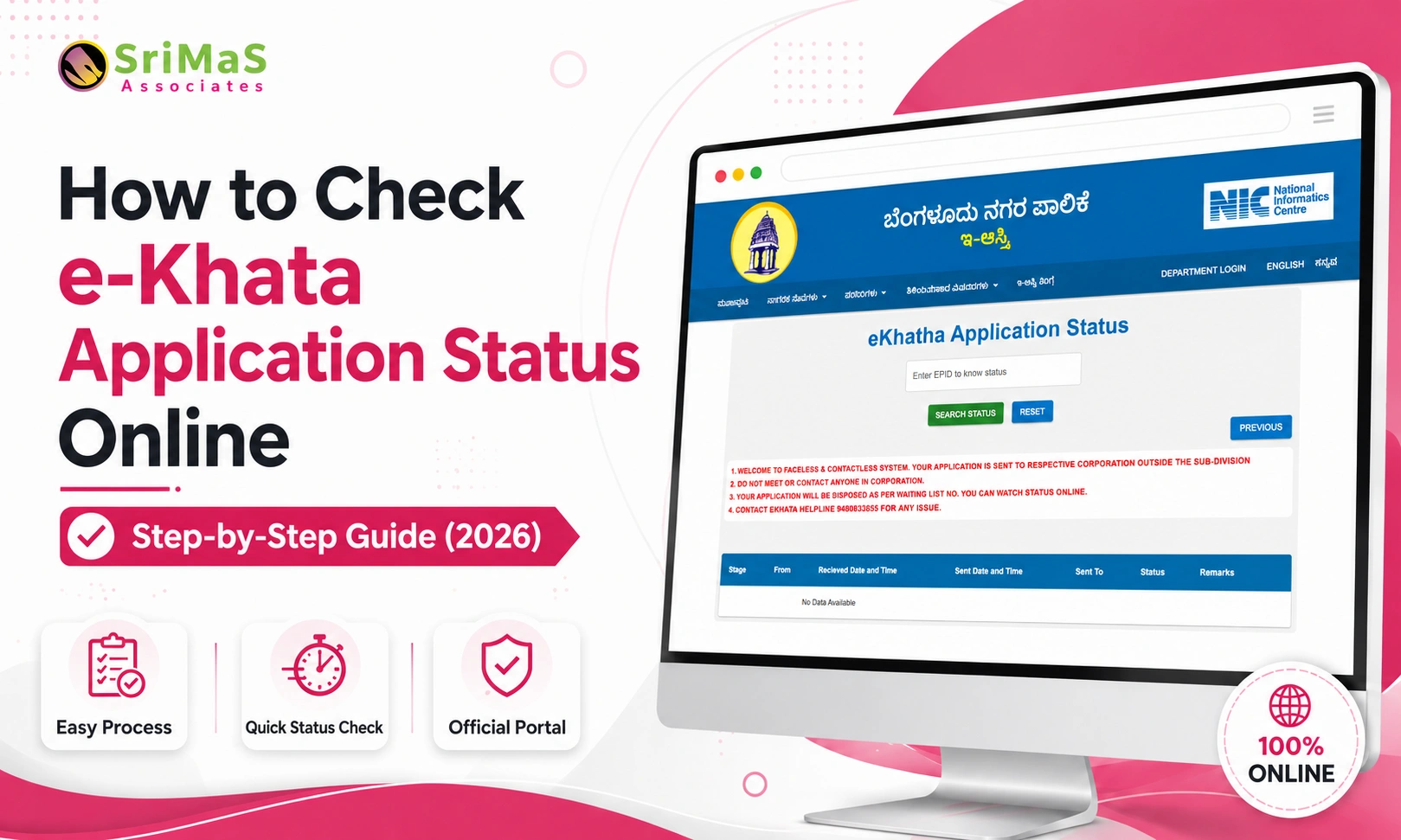
This guide walks through exactly how to check your e-Khata application status online in 2026, what each status stage means, the three different tracking methods available, and what to do if your application appears stuck. All information here is verified from official government sources including bbmpeaasthi.karnataka.gov.in, the GBA Revenue Department, and the Karnataka Sakala Services Act.
What Is e-Khata and Why Does the Status Check Matter?
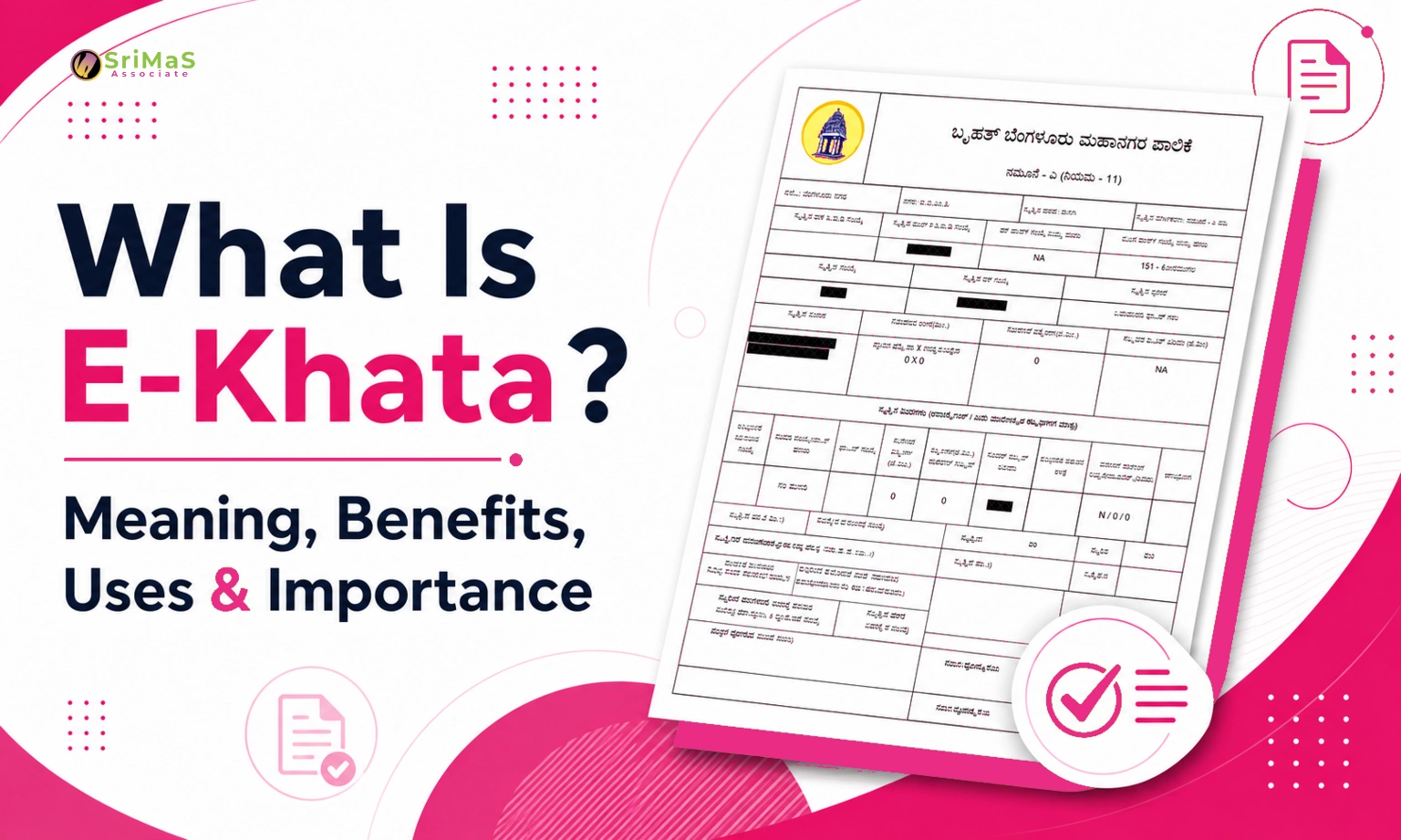
e-Khata is Karnataka’s digital property ownership document, the electronic version of the traditional Khata certificate. It carries your property details, ownership records, and tax assessment information in a digitally signed, legally valid format managed by the Greater Bengaluru Authority (GBA).
The Karnataka government made e-Khata mandatory for all property transactions in Bengaluru from October 2024. From July 2025, BBMP requires a valid e-Khata for all online building plan applications. That means without an approved e-Khata, property sales, home loans, power connections, and building approvals can all face delays.
As of early 2026, over 25 lakh e-Khatas have been issued in Bengaluru alone, with nearly 9 lakh applications received and the vast majority processed. Checking your status regularly helps you catch issues early and escalate when deadlines are close. (Source: Deccan Herald, January 2026)
Also Read: How to Apply E-Khata Online in Bangalore
Three Ways to Check e-Khata Application Status Online
The official e-Aasthi portal provides three separate URLs for checking status. Use the right one for your situation:
Method 1 works in most cases. Method 2 is for properties already in the system with an assigned ePID. Method 3 applies to properties applying for Khata for the very first time in BBMP records.
Step-by-Step: How to Check e-Khata Status by Application Number
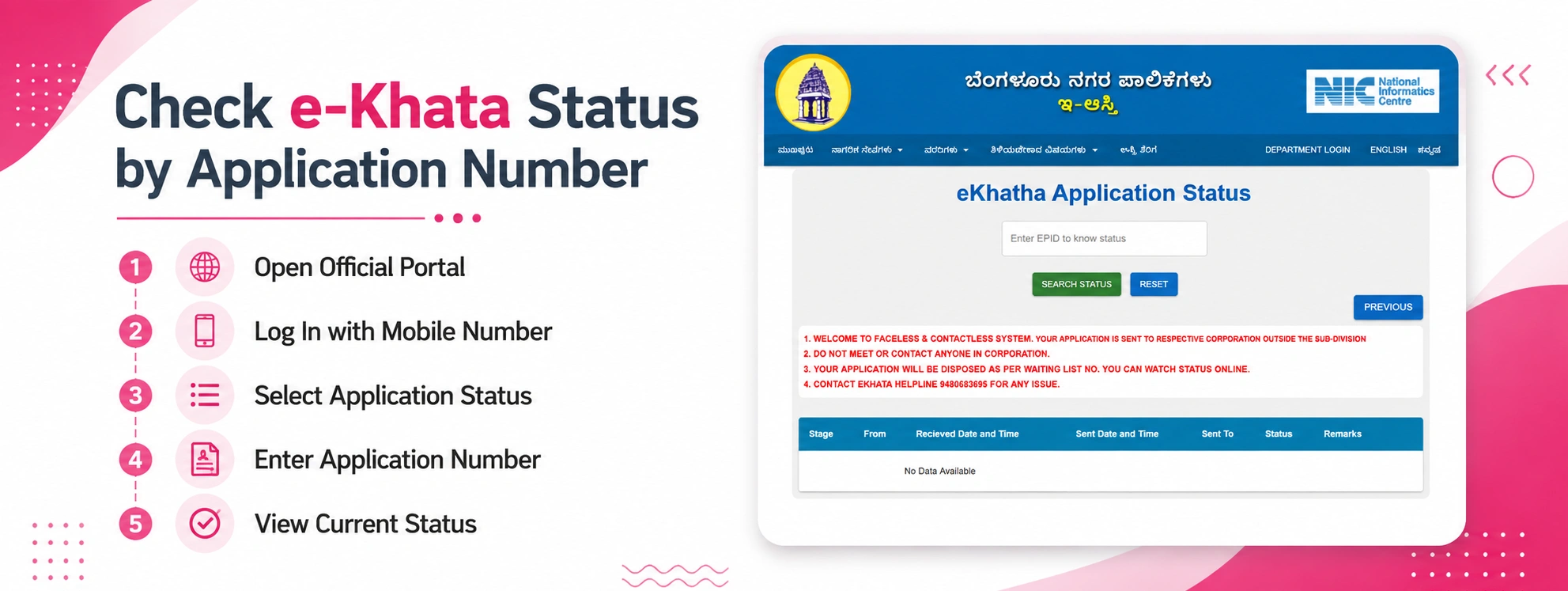
Step 1: Open the Official Portal
Go to bbmpeaasthi.karnataka.gov.in in your browser. Always use this official URL — avoid third-party websites that claim to check e-Khata status on your behalf.
Step 2: Log In With Your Registered Mobile Number
Click on Citizen Login and enter your registered mobile number. An OTP will be sent for verification. Enter it to reach your dashboard.
Step 3: Go to Application Status
On your dashboard, find the Application Status section. This shows any active or previously submitted applications linked to your account.
Step 4: Enter Your Application Number
Type in the application number from your acknowledgement receipt, the one sent to your mobile when you submitted the application. If you don’t have it, check your registered number’s message history from the time of submission.
Step 5: View and Note Your Current Status
The portal displays your current status stage. Note it down. Use the table below to understand exactly what that stage means and whether any action is needed from your side right now.
Understanding Every e-Khata Status Stage
Your application moves through multiple review stages before the e-Khata is issued. Here is a plain-language explanation of each:
Status Shown on Portal | What It Actually Means |
Submitted | Application received, waiting to be assigned to a case worker at your BBMP ward |
With Case Worker | A case worker is reviewing your documents for completeness and basic eligibility |
With ARO | The Assistant Revenue Officer is doing the detailed verification of your application |
Signed by ARO | The ARO has approved and digitally signed your e-Khata; you’re almost done |
Ready for Sub-Registrar | Application is in the final processing queue before e-Khata is issued |
Approved / Download | e-Khata is ready; log in and download it from the portal immediately |
Rejected / Deficiency | A document is missing or incorrect; check the specific reason on the portal and resubmit |
Checking e-Khata Status Using ePID
If your property already has an ePID (Electronic Property ID) assigned by BBMP, you can check the final e-Khata status directly without needing the application number. Go to: bbmpeaasthi.karnataka.gov.in/citizen_core/Final_eKhatha_Status_based_on_ePID
Enter your ePID and the portal shows whether a final e-Khata has been issued for that property. This method is especially useful when you’ve purchased a property that was already in the BBMP system, and you want to confirm whether the Khata has been transferred to your name.
How to Download Your e-Khata After Approval
Once your status shows ‘Approved’ or ‘Download Available’:
- Log in at bbmpeaasthi.karnataka.gov.in with your registered mobile number
- Go to Application Status and open your approved application
- Click the Download button next to your completed e-Khata
- Verify that the name, property details, survey number, and ward are all correct
- Save a digital copy and print one for your records
The downloaded e-Khata carries the ARO’s digital signature and is legally valid for all property transactions, home loan applications, and government purposes.
Also Read: How to Download e-Khata Online in Karnataka
What to Do If Your Application Is Stuck
If your application has stayed at the same stage for more than 30 working days, here is the correct escalation process in order:
- Confirm the status using the official portal methods above
- File a Sakala grievance at sakala.karnataka.gov.in using your application number
- Call the GBA/BBMP helpdesk at 94806 83695 or (080) 2297 5555
- Email the concern to dcrev@bbmp.gov.in with your application number and property details
- If the Sakala complaint is also unresolved, escalate to the Next Appellate Authority listed on the Sakala portal
The total fee for e-Khata is ₹40, paid online through the portal at the time of application. No other payment is required at any stage. If anyone an agent, a ward official, a middleman asks for additional money, do not pay. Report them to the GBA helpdesk at 94806 83695 immediately.
Common e-Khata Status Problems and How to Fix Them
Issue | Likely Cause | What to Do |
Status not updating after 3+ days | Portal delay or application in queue | Wait 3–5 working days; then call helpdesk at 94806 83695 |
Property not found on portal | Property not yet digitised or wrong details entered | Verify PID at ward office; confirm property is in GBA limits |
Name or details wrong in draft | Data entry error or document mismatch | Raise objection within 7-day objection period on the portal |
B-Khata not getting e-Khata | B-Khata needs regularisation first | Apply under BBMP Akrama Sakrama or Rajiv Gandhi Housing scheme |
Application stuck beyond 30 days | Pending with ARO without action | File Sakala grievance at sakala.karnataka.gov.in immediately |
Someone asking for payment to process | Unofficial agent or middleman | Report to GBA helpdesk process costs ₹40 only, nothing more |
Also Read: Common BBMP E-Khata Issues That Affect Property Registration in Bangalore
A-Khata vs B-Khata vs e-Khata — Know the Difference
These three terms confuse a lot of property owners. Here’s a simple breakdown:
- Property has valid approvals and is in BBMP’s official municipal records. Eligible for e-Khata conversion.A-Khata (Form A):
- Property is in BBMP records for tax purposes but lacks full legal approvals. Cannot directly get an e-Khata; regularisation must happen first. B-Khata (Form B):
- The digital version of A-Khata, issued through the e-Aasthi portal. Mandatory for all Bengaluru property transactions from October 2024.e-Khata:
If your property is on B-Khata, you’ll need to regularise it first under a scheme like BBMP Akrama Sakrama or the Rajiv Gandhi Housing scheme before applying for e-Khata. A property documentation specialist can help assess your specific situation and advise on the right path.
Final Thoughts
Checking your e-Khata application status is genuinely straightforward once you know which portal URL to use and what each stage means. The BBMP/GBA e-Aasthi system has made the process fully digital; there’s no reason to visit any office, pay any unofficial fee, or depend on any middleman.
Go to bbmpeaasthi.karnataka.gov.in, log in, enter your application number, and you’ll have your status in under two minutes. If the application has been stuck beyond 30 working days, escalate through the Sakala portal; that is your legal right under Karnataka law, and it works.
If your situation involves a B-Khata property, a name correction, a Khata transfer after purchase, or any other complexity that isn’t resolving through the portal, speaking with a property documentation specialist can save a significant amount of time and confusion.

Sangeetha Mahesh Author
Sangeetha Mahesh is the founder of SriMas Associate, a company that helps people with licenses, insurance, and managing properties. She has studied many subjects like B.Com, MA, and LLB, and has over 15 years of experience in helping businesses and individuals with complicated rules and managing their assets. Sangeetha's work is focused on providing solutions that are good for her clients, and she works hard to give the best service. On her blog, she shares helpful tips and advice about licenses, insurance, and property management, so that her readers can make smart choices.