


- By Sangeetha Mahesh
- January 19, 2026
The E-Swathu Karnataka portal was launched by the Karnataka government. It is a game-changer for managing property in Karnataka. Navigating property registration in Karnataka required clarity on the essential E-Swathu forms, especially Form 3, Form 9, and Form 11B. It is important to understand what it is for owners, buyers and agents.
E-Swathu is an online platform introduced by the rural development in the Panchayat. It streamlines the property records, tax documents and official forms. Whether you are a property owner, buyer or government official, here is a detailed blog on e-Swathu form like e-Swathu form 3, E Swathu form 9, E Swathu form 11B and how you can do E Swathu download pdf.
Summary: E-Swathu is Karnataka’s property registration portal. There are different types of forms, like E swathu form 3 is for approval for construction, E swathu form 9 for property registration and E swathu form 11B for updating ownership. You can simplify your property documentation with E-Swashu forms. We’ve got you covered with official E-Swathu download links and direct E-Swathu Form 9 PDF download options. Downloading options save your time and avoid legal mistakes.
What is E-Swathu?
E-Swathu is a government portal created to digitally manage property records under the Grama Panchayat across Karnataka. It streamlines the entire registration and mutation process. The reason to build an online platform is to promote transparency, reduce manual intervention, and enhance citizen convenience. The E-Swathu portal is used for all kinds of property transactions with different kinds of forms like Form 3, Form 9, Form 11B, etc.
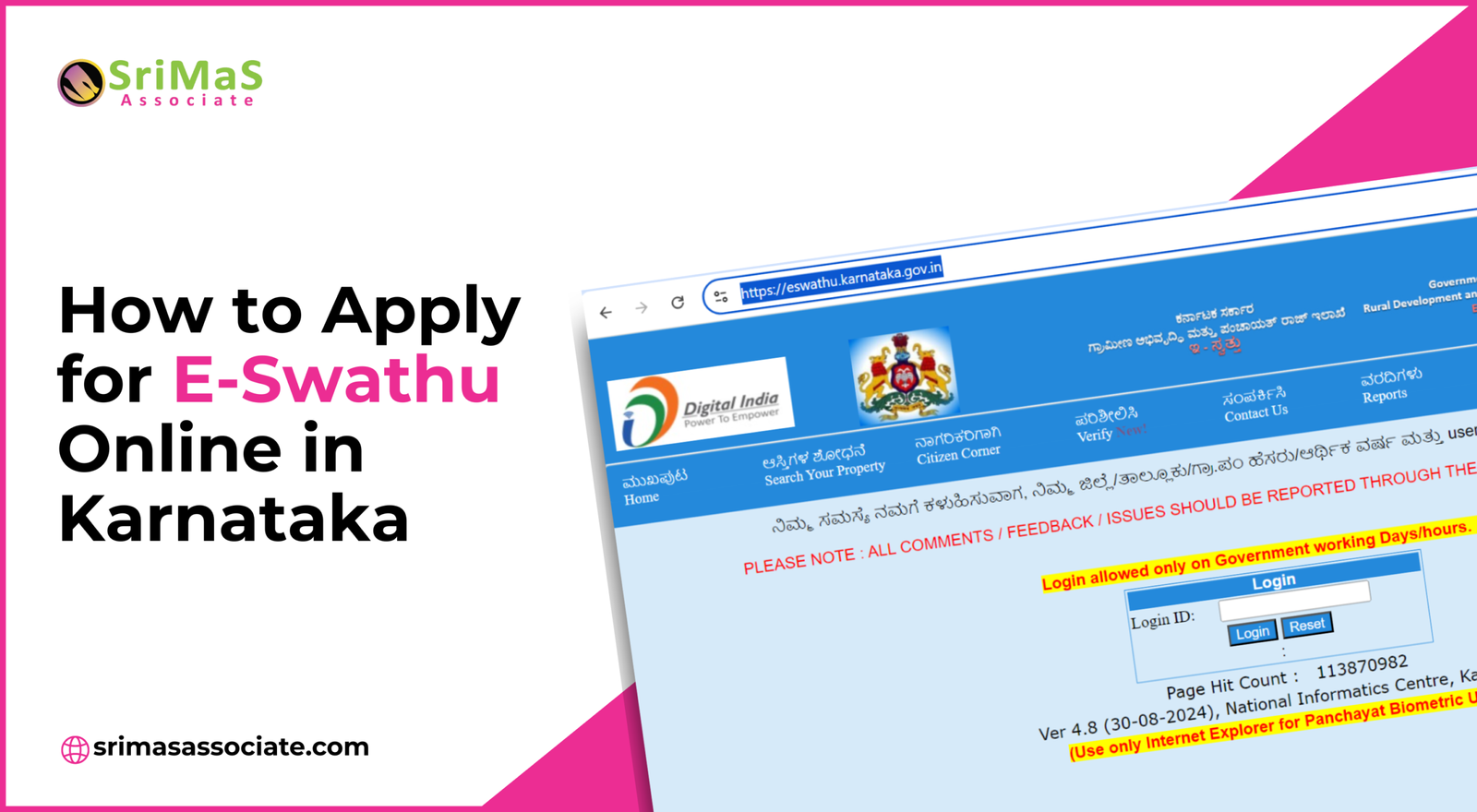
Before downloading or using Form 3, Form 9, or Form 11B, it is important to understand how to apply for E-Swathu online in Karnataka through the official portal.
Key Features of E-Swathu
- Online document submission
- Real-time tracking
- Direct Payment integration
- Transparent valuation
- User-friendly interface
- Secure and legal validity
- Digital access
- Prevention of fraud
Understand E Swathu Form 3
E Swathu Form 3 is a primary document used for municipality approval related to construction, modification and infrastructure approval within the Grama Panchayat area. Whether you want to build a structure, modify an existing building or make changes to land use, you need to apply for E swathu form 3.
Key Uses of Form 3
- Approvals for new constructions or extensions
- Permission for infrastructure development on agricultural land
- Legal documentation related to modifications before registration
Understand E Swathu Form 9
E Swathu Form 9 is one of the most downloaded documents on the portal. It is similar to the A-Khata document, but for the rural properties under the Grama Panchayat. It is a property official record in the Panchayat database.
For all rural citizens, they have to apply for E swathu form 9 for any kind of legal property transaction. E swathu form 9 contains survey detail, ownership, status, and property classification. For easy access, get the E Swathu form 9 pdf download.
Since Form 9 works similarly to A-Khata for rural properties, owners can also get e-Khata using the E-Swathu portal after successful verification.
Key Uses of Form 9
- Verifies whether the property is registered or not with the Gram Panchayat.
- Display basic property details like owner name, survey number, extent, and use.
- Needs for property tax assessment, sale, transfer, or loan processing
Understand E Swathu Form 11B
E Swathu Form 11B is issued by the Grama Panchayat. This document recalls that whenever the ownership is changed due to sale, inheritance, or partition, they need to apply for the E swathu form 11B. It updates the government record to reflect the new ownership. After the application, make sure to get Form 11B E swathu download pdf.
Property owners often confuse ownership update documents, so knowing the difference between 11A and 11B Khata helps avoid legal and tax issues.
Key Uses of Form 11B
- It keeps a record of property transactions like sales, inheritance, gifts, or partitioning.
- This is issued by the Gram Panchayat.
- It is considered a document that records changes in land ownership. It is evidence of the transfer of ownership.
How to E-Swathu Download PDF for Form 3, Form 9 or Form 11B?
To download the required form is a simple online process. We bring you a complete procedure on how to download all the forms from the E-Swathu.
How to Download E Swathu Form 9?
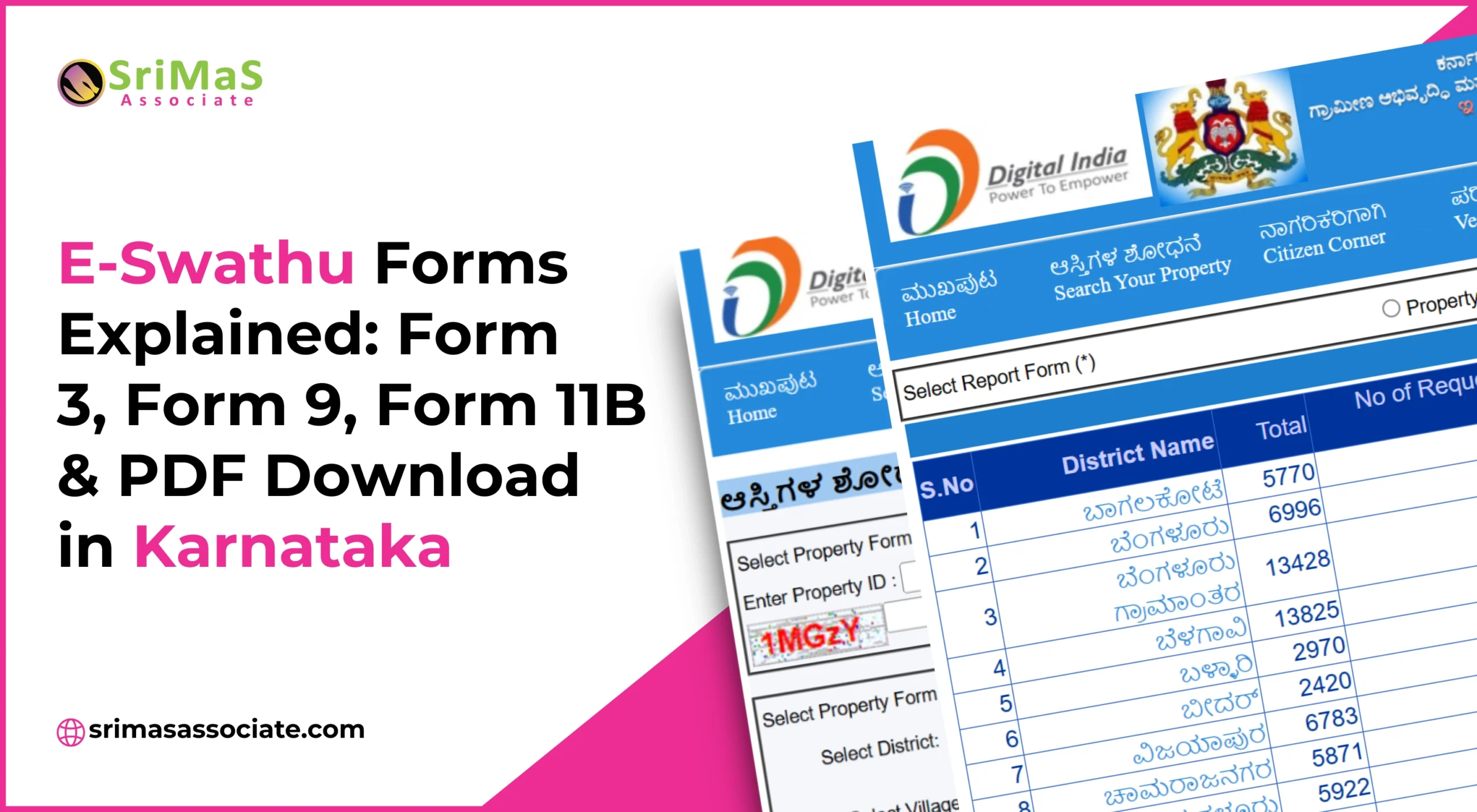
- Simply click on the link: https://eswathu.karnataka.gov.in/Issue0fForm9/Frm_PublicSearchForm9.aspx
- Select Form 9 option.
- Enter all the details like property id, district, village, owner name, etc
- Now, click on “Search”.
- Your Form 9 will be open. Download your E Swathu Form 9 in pdf.
How to download E Swathu Form 11B?
- To download the Form 11B, simply click on the link: https://eswathu.karnataka.gov.in/Issue0fForm9/Frm_PublicSearchForm9.aspx
- Now, select the “Form 11” option.
- Enter all the details like property id, district, village, owner name, etc
- Now, click on “Search.”
- Your Form 11 will be open. Download your E Swathu Form 11B in pdf.
How to download E Swathu Form 3
- Simply visit https://eaasthi.karnataka.gov.in/office/frmForm3_2View.aspx?formid=menu
- Enter your “Document Number”
- Proceed by clicking on “Check”
How to Register and Log in to the E-Swathu Portal
- Go to the E Swathu website.
- Click on New User Registration.
- Enter the details of the Aadhaar, mobile number, and address.
- Verify OTP and create a password.
- Log in with the credentials provided.
It is a must to access any kind of E-Swathu services, whether verifications, property records, download forms, etc.
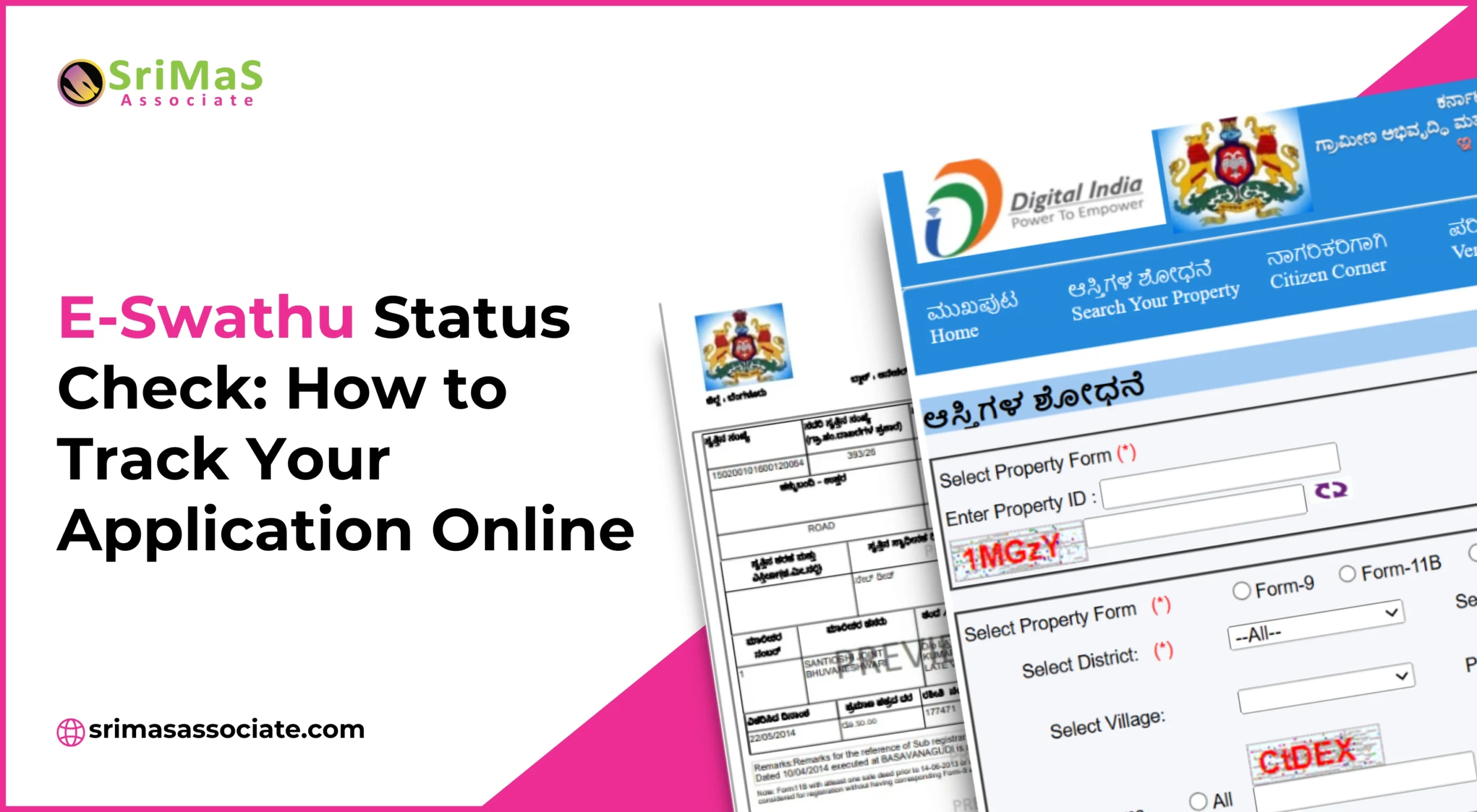
After applying for any form, it is recommended to check E-Swathu status online to track approvals, rejections, or pending verification.
E Swathu Fees and Payment Procedure
The government of India has a specific fee for each E Swathu Forms. Let’s check out them.
| Service | Fee (₹) |
| Form 9 Issuance | 100 – 200 |
| Form 11 Mutation | 150 – 300 |
| Form 3 Approval | 500 – 1000 |
To make the payment, you can choose UPI, credit card, or debit card. It is up to you which mode of payment you want to use.
Digitally Signed Form 9 and Form 11B
Application submitted in the panchayat office, you must issue all forms and extract them online through the E Swathu portal, whether it’s Form 9 or Form 11B. These forms are digitally signed by the Panchayat development office and do not require any ink signature from any official. Remember, all this document comes with a digital signature from the development officer. To verify authenticity:
- The 2D barcode printed on the certificate holds the PDO’s digital signature. The barcode can be scanned to verify the certificate.
- Each document contains a government watermark and a number corresponding to each page in the top right corner.
It is pertinent to note that in the Bangalore districts of Bangalore (Rural) and Ramanagara, Form 9 and Form 11B are printed on secure paper with a hologram, which is currently a unique facility offered in only three districts.
Along with Form 9 and Form 11B, understanding BBMP e-Khata documents and eligibility requirements ensures smooth registration and compliance.
Conclusion
The E Swathu portal makes it easy to manage properties online. It is launched and managed by the Government of Karnataka. From E swathu form 3 is for approval for construction, E swathu form 9 for property registration and E swathu form 11B for updating ownership. The system ensures an efficient, secure, and user-friendly experience.
Each digitally signed document is complete with unique certificate numbers, 2D barcodes, and, in certain districts, holograms. It provides enhanced security and authenticity, reducing the need for physical visits and manual verification.
Whether you are a property owner, buyer or legal professional, the E Swathu portal makes it easy for property transactions. It saves time and minimises errors.

Sangeetha Mahesh Author
Sangeetha Mahesh is the founder of SriMas Associate, a company that helps people with licenses, insurance, and managing properties. She has studied many subjects like B.Com, MA, and LLB, and has over 15 years of experience in helping businesses and individuals with complicated rules and managing their assets. Sangeetha's work is focused on providing solutions that are good for her clients, and she works hard to give the best service. On her blog, she shares helpful tips and advice about licenses, insurance, and property management, so that her readers can make smart choices.