


You’ve filled out the form, entered your Aadhaar number, waited for the OTP — and then: registration failed. No clear reason, just a frustrating error message standing between you and the certificate or service you actually need.
If this just happened to you, take a breath — Seva Sindhu registration failed errors are extremely common, and almost all of them come down to small, fixable mistakes. Seva Sindhu is the Karnataka government’s portal for over 880 services — certificates, schemes, department applications, and more — and like any large government system, small details during signup can trip up the process.
This guide walks through the 10 most common Seva Sindhu registration errors, what causes each one, and exactly how to fix this Seva Sindhu registration issue — in plain, simple language.
What Is Seva Sindhu Registration?
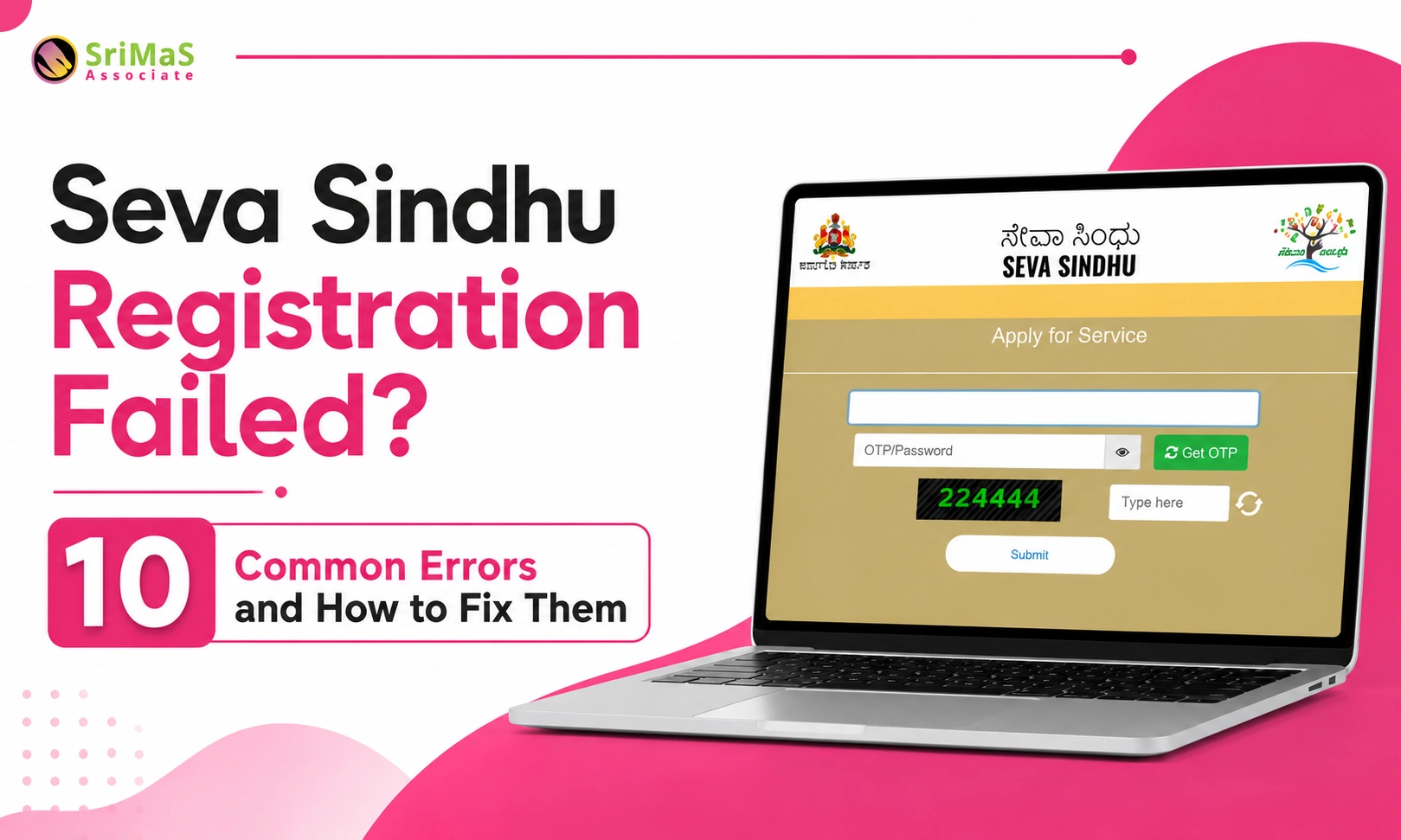
Seva Sindhu registration is the process of creating your user account on the Karnataka Seva Sindhu portal, after which you can log in and apply for government services online.
The general registration process includes:
- Visiting the official Seva Sindhu portal
- Clicking “New User Registration” or “Register Here”
- Completing DigiLocker or Aadhaar-based verification
- Entering the OTP sent to your Aadhaar-linked mobile number
- Allowing the required e-KYC permission
- Filling in basic details and creating your login credentials
- Submitting the registration form
If any single step goes even slightly wrong, registration can fail — which is exactly why each error below is so common.
For detailed registration process also read: Seva Sindhu Registration 2026: Complete New Registration & Portal Guide for Karnataka
10 Common Seva Sindhu Registration Errors and How to Fix Them
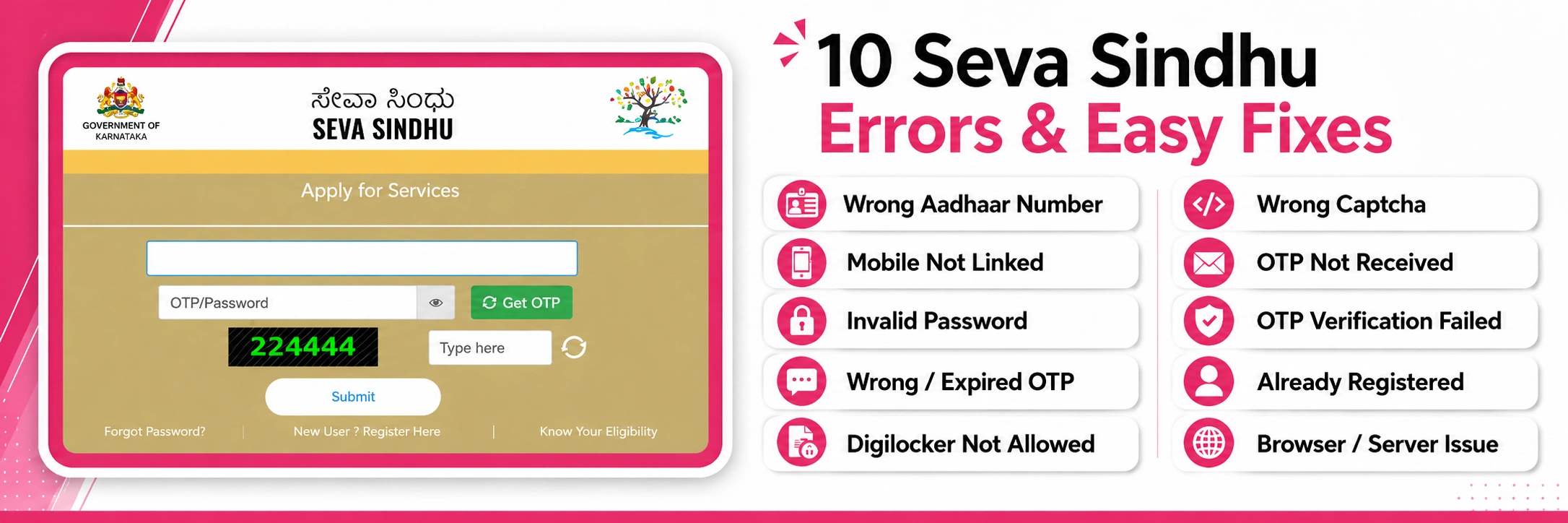
Seva Sindhu Registration Failed? From “Seva Sindhu OTP not received” to login problems and form submission failures, most errors during Seva Sindhu new user registration trace back to a handful of common, fixable mistakes. This section walks through the 10 most frequent issues users encounter during Seva Sindhu login problem — what causes each Seva Sindhu problems, and exactly how to resolve it — so you can complete your registration without repeated frustration.
1. Wrong Aadhaar Number Entered
One of the most common reasons for Seva Sindhu registration failed error is entering the wrong Aadhaar number. Since the registration process is linked with DigiLocker and Aadhaar-based verification, even one wrong digit can stop the process.
Signs of this error: Invalid Aadhaar message, unable to proceed to OTP step, DigiLocker verification failed, Aadhaar details not found.
How to fix it: Check your Aadhaar number carefully before submitting — all 12 digits, no spaces or special characters. If using a VID instead, confirm it’s valid and currently active.
Also Read: Domicile Certificate in Karnataka: Eligibility, Documents & Fees 2026
2. Mobile Number Not Linked With Aadhaar
Seva Sindhu registration Failed mainly if current mobile number is not linked with Aadhaar. OTP is usually sent to the mobile number linked with Aadhaar. If that number is inactive, changed, or not available, you may not receive the OTP.
Signs of this error: OTP not received at all, Aadhaar authentication failed, unable to complete DigiLocker verification.
How to fix it: Confirm whether your current mobile number is actually linked with Aadhaar. If it isn’t, visit an Aadhaar Seva Kendra to update it, then retry registration once the update is complete.
Also Read: E-Swathu Registration Problems & Solutions | Form 9, Form 11B Issues
3. Weak or Invalid Password
While creating a Seva Sindhu login, users may need to create a password. If the password does not match the required format, registration can fail.
Signs of this error: “Password does not meet criteria,” confirm password not matching, form won’t submit.
How to fix it: Create a strong password mixing capital letters, lowercase letters, numbers, and special characters. Double-check that password and confirm password fields match exactly, and avoid obvious choices like your name or date of birth.
4. Expired or Incorrect OTP Entered
OTP is valid only for a short time. If you enter an old OTP or type it incorrectly, the Seva Sindhu registration process may fail. This is among the most common Seva Sindhu problems.
Signs of this error: “Invalid OTP,” “OTP expired,” or “verification failed” messages.
How to fix it: Always use the most recent OTP — never an earlier one if you’ve requested a new code. Type it carefully and submit before the timer runs out; if it expires, simply request a fresh one.
5. Digilocker Permission Not Allowed
This is tricky Seva Sindhu application error generally during Seva Sindhu new user registration, the portal may redirect you to DigiLocker for user identification and e-KYC. If you do not allow permission, the registration may not continue.
Signs of this error: DigiLocker consent failed, page returns to login screen, e-KYC failed, Aadhaar details not fetched.
How to fix it: When DigiLocker asks for permission, read the screen and click “Allow” or the required consent option. Don’t close the page mid-process, and make sure your internet stays stable throughout.
6. Captcha Entered Incorrectly
Captcha is used to check that the user is real and not a bot. If the captcha is entered incorrectly, Seva Sindhu registration may fail or the form may not submit.
Signs of this error: “Invalid captcha,” submit button not responding, form reloading without registering.
How to fix it: Type the captcha exactly as shown, paying attention to capital letters, numbers, and special characters. If it’s unclear, refresh and try a fresh one — and avoid accidentally copying extra spaces.
7. OTP Not Received During Registration
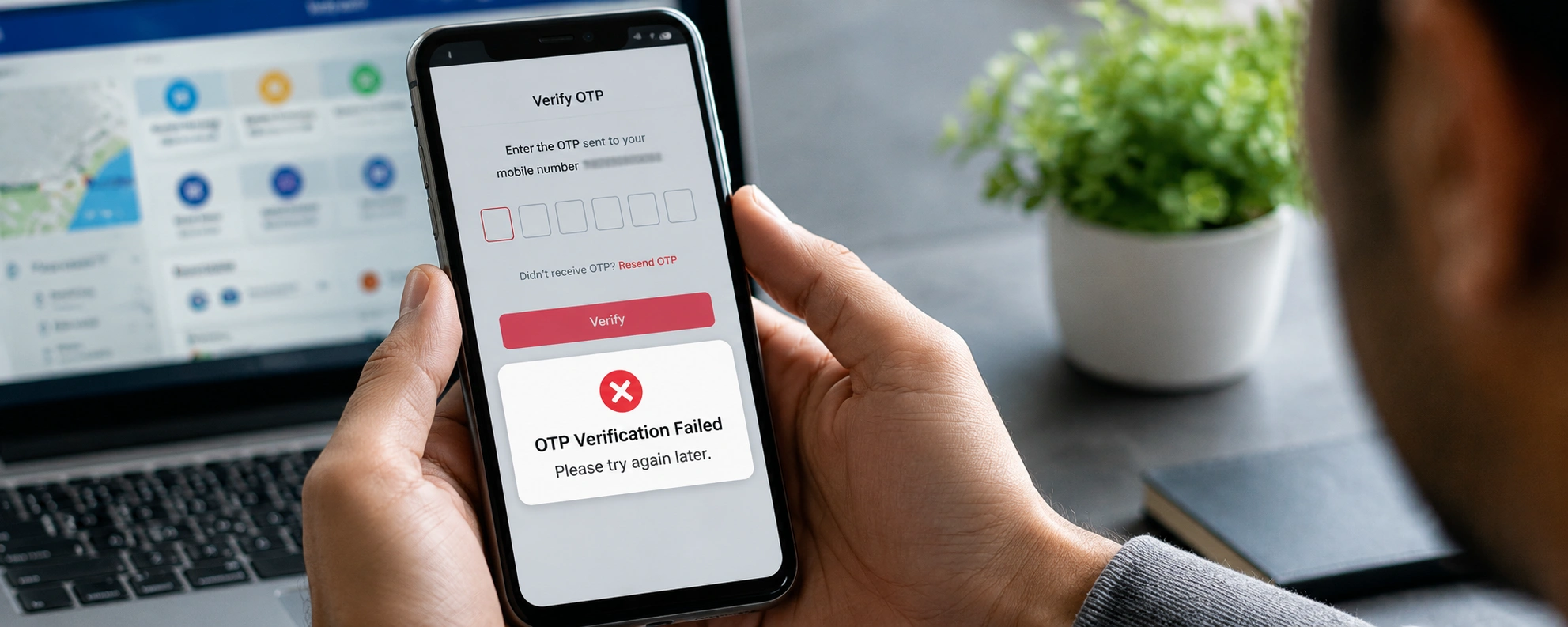
Many users search for “Seva Sindhu OTP not received” because OTP problems are very common. This can happen due to network issues, inactive SIM, SMS blocking, server delay, or Aadhaar-linked mobile number problems.
Signs of this error: OTP delayed, expired, or simply never arrives despite multiple requests; registration stuck on the OTP screen.
How to fix it: Wait a few minutes before requesting another OTP. Check your network signal, SMS inbox, and spam filters. Restart your phone if needed, and avoid spamming “Resend OTP” — try again during non-peak hours instead.
8. Email or Mobile OTP Verification Failed
In some cases, the portal may ask for verification through mobile number and email ID. If you enter the wrong email, wrong mobile number, or incorrect OTP, the process may fail.
Signs of this error: Email OTP not received, mobile OTP failed, verification link missing, OTP mismatch.
How to fix it: Use an active email ID and mobile number. Check your inbox, spam, and promotions folders for the email OTP, and your SMS inbox and signal for the mobile OTP — then enter both correctly within the given time window.
9. User Already Registered
Sometimes Seva Sindhu registration fails because the user has already registered earlier using the same mobile number, email ID, or Aadhaar details. In this case, creating a new account may not be allowed.
Signs of this error: “User already exists,” mobile number/email/Aadhaar already registered, duplicate user message.
How to fix it: Don’t create a second account. Go to the login page and try your existing mobile number or email ID instead. If you’ve forgotten your password, use “Forgot Password” to reset it and continue from there.
10. Browser, Cache, or Server Timeout Issue
Sometimes the seva sindhu problem is not with your details. Seva Sindhu registration may fail because of browser issues, slow internet, old cache, pop-up blocks, or server timeout.
Signs of this error: Page not loading, submit button unresponsive, session expired, blank screen, form resetting on its own.
How to fix it: Switch to an updated browser like Chrome, Edge, or Firefox. Clear your cache and cookies, avoid having multiple tabs of the portal open, check your connection, and disable pop-up blockers if needed. If the server seems busy, simply try again a bit later.
Note: These Common Mistakes are to be Avoid During Seva Sindhu new user registration because Careful,unhurried form-filling is genuinely the single biggest factor in avoiding repeated Seva Sindhu registration Issues — most errors come from rushing, not from anything complicated.
Checklist: Before You Start, and What to Do If It Still Fails
Before you Start | Do this if Seva Sindhu Registration still fails |
Correct Aadhaar number or VID handy | Recheck your Aadhaar and mobile details |
Aadhaar-linked mobile number active | Try a different browser, or use a laptop instead of mobile |
Stable internet connection | Clear browser cache and cookies |
Active email ID | Avoid peak hours if the portal feels slow |
Strong password ready | Take a screenshot of the exact error message |
Updated browser (Chrome, Edge, or Firefox) | Visit a nearby Seva Sindhu service centre |
Enough time to finish without closing the page | Never submit wrong details repeatedly — pause and verify instead |
Why Choose SriMas Associate for Government Service Support
Karnataka’s government portals — Seva Sindhu, BBMP, E-Aasthi, and others — are powerful but unforgiving with small errors. When you’d rather not troubleshoot OTP and DigiLocker issues alone, having an experienced team on your side makes a real difference.
WHAT SRIMAS ASSOCIATE BRINGS
- Established in 2007, with 15+ years of hands-on experience in Karnataka government compliance, licensing, and property documentation
- Founded by Sangeetha Mahesh (B.Com, MA, LLB) — direct legal and procedural expertise, not just general consulting
- Real, practical experience navigating Seva Sindhu, BBMP, and E-Aasthi portals for clients across Bangalore
- Help with everything from registration troubleshooting to certificate applications, trade licences, and Khata transfers
- Transparent process and direct communication — no vague timelines or hidden steps
Conclusion
Seva Sindhu registration failed errors can be annoying but as you have read in this troubleshooting article almost all Seva Sindhu registration failed errors come down to some tiny fixable reason – an incorrect number, a missed permission, an expired login code or browser glitch.
Check if you have a registered mobile number linked with your Aadhaar. Ensure you have a strong internet connection and you are on the correct Seva Sindhu page. Enter all your information accurately. Complete the OTP confirmation as soon as you receive the OTP and if all else fails don’t continuously attempt registering again blindly, take a screenshot of where it failed and contact us.

Sangeetha Mahesh Author
Sangeetha Mahesh is the founder of SriMas Associate, a company that helps people with licenses, insurance, and managing properties. She has studied many subjects like B.Com, MA, and LLB, and has over 15 years of experience in helping businesses and individuals with complicated rules and managing their assets. Sangeetha's work is focused on providing solutions that are good for her clients, and she works hard to give the best service. On her blog, she shares helpful tips and advice about licenses, insurance, and property management, so that her readers can make smart choices.